Say it once.
- @rico
- Assign to anyone on the team
- #123-main
- File to a project
- p1
- Urgent, through p4 for low
- fri 2pm
- Or tomorrow, eod, in 3 days, 3/15
- urgent
- Plain words work too
- remind me tom 9am
- Sets a reminder and leaves the due date alone
puratasks
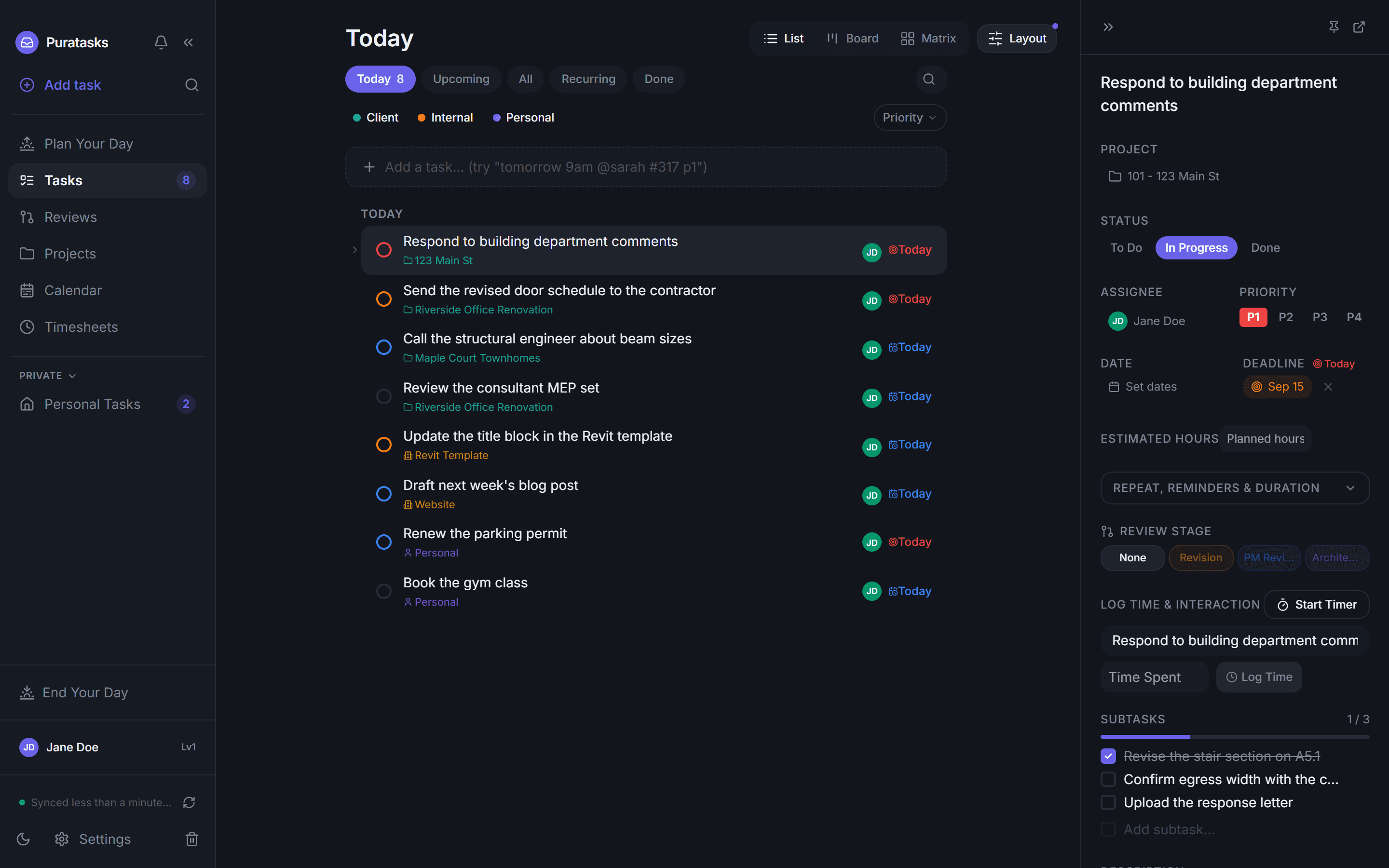
Type the task the way you would say it. The properties fill themselves.
One line, one keystroke. The same task through a form is five separate controls, two searches and a calendar.
No second backend, no proprietary store. If you stop paying tomorrow, everything you made is still in your own workspace.
Client, internal and personal work follow different rules. Flattening them into one list is how things get missed.
A focus timer against a real project, so timesheets stop being a Friday reconstruction exercise.
Sold separately from purasync. Ask us for pricing.
PuraTech is built and used every day at PUR4 Studios, a practice licensed in New York, New Jersey and Pennsylvania.